Storyboard AI Free Online What You Can Expect
Everyone loves the word free, but when it comes to AI storyboard generators, free usually comes with limits.
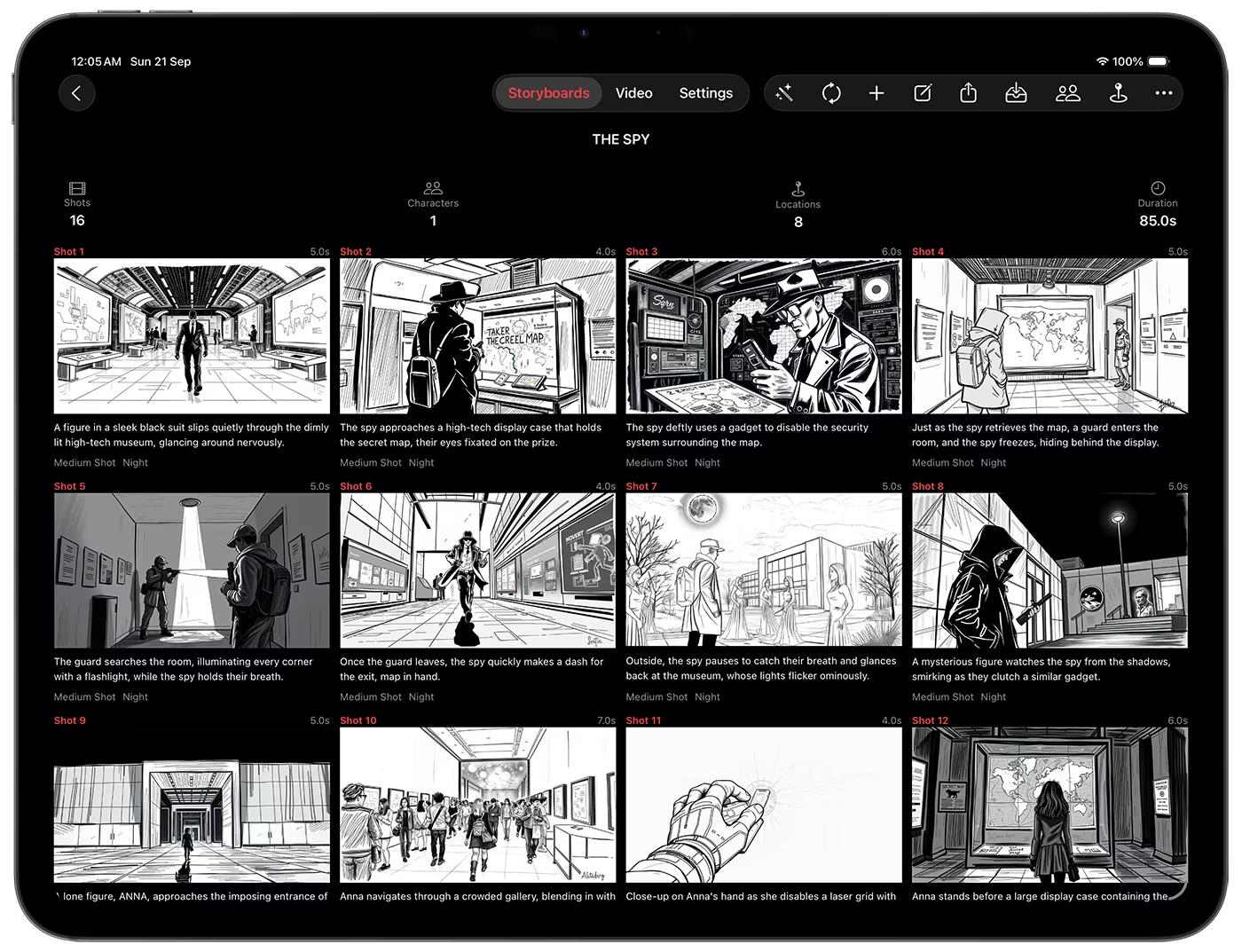
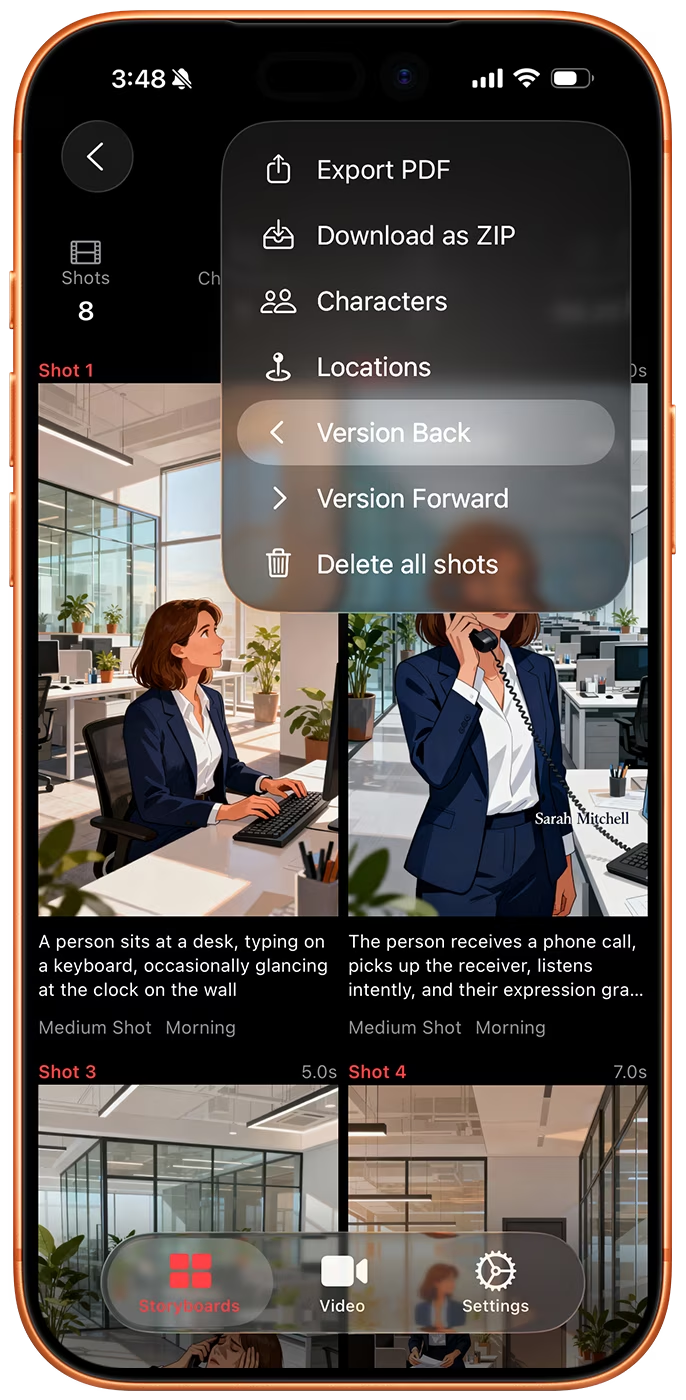
How Free Storyboard Tools Work
- Limited credits or number of shots. Credits control usage across text, image, and video models.
- Lower resolution images or watermarks.
- Restricted exports, with no PDF or metadata.
- A smaller set of models to choose from.
Using Storyboard Creator AI
Storyboard Creator AI has a free tier and paid subscriptions. On the free tier you can create one storyboard of up to 8 shots every 3 days, generate up to 8 images in that same window, and create one character and one location reference image. Video generation needs a subscription. Browsing storyboards you have already generated is always free, so nothing you make disappears behind the paywall.
Subscriptions come with a monthly credit grant, and you can buy one-time credit packs when you run out. Even the entry tier gives you enough credits to test multiple shots, models, and styles, so you can experiment with prompts, iterate on images, and validate layouts before committing to a bigger plan.
Tips to Maximize Free Storyboard AI
- Plan your prompts carefully. Precise prompts save credits and time, and the built-in prompt tools can refine a rough idea before you spend anything.
- Start small. Generate the written shot list first with Skip Image Generation, then draw only the frames you keep.
- Set up references early. One character reference keeps every later frame consistent and saves you re-rolls.
- Queue videos for free. Adding shots to the video queue costs nothing, so you can line up a sequence and generate only the clips you want.
Free tiers are great for quick tests or pitching ideas, but for full productions you will want the flexibility of a paid tier.
Download Storyboard Creator AI
Get the iOS & macOS app on the App Store: Download Storyboard Creator AI