스토리보드
크리에이터 AI

감독, 아티스트, 크리에이터를 위한 최고의 도구.

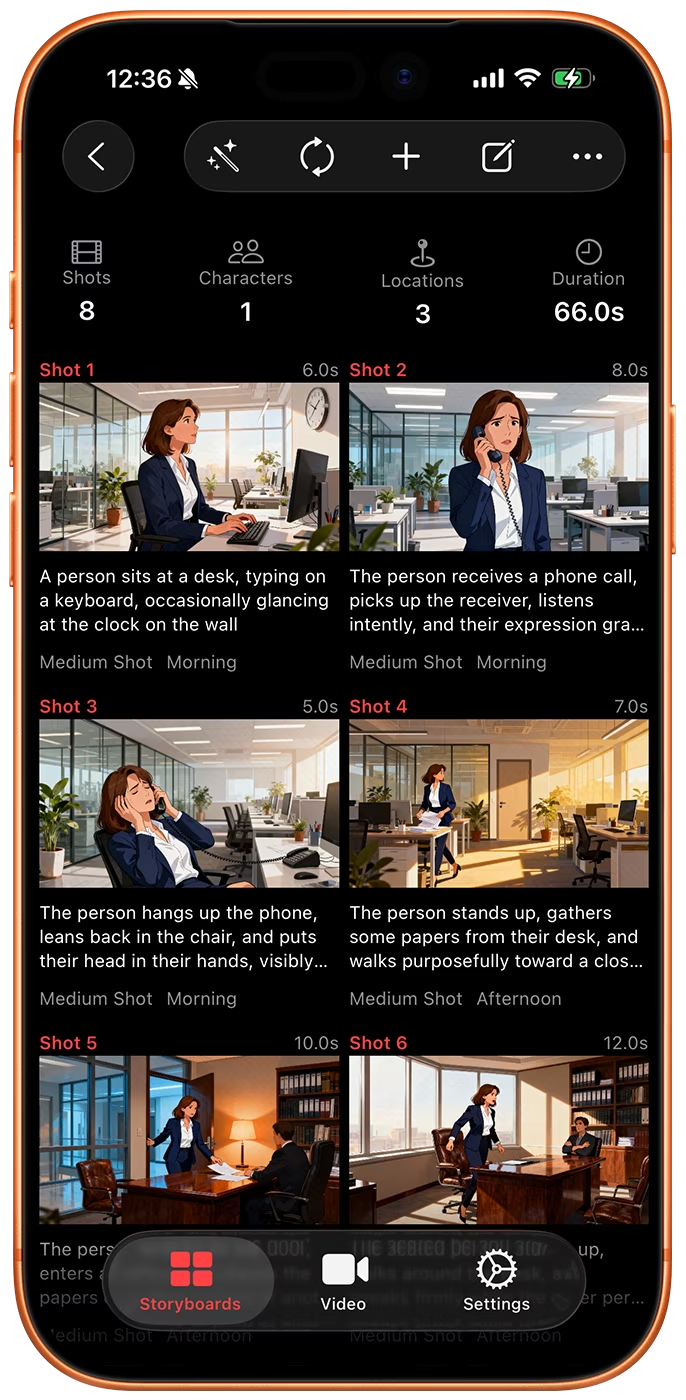
단 한 문장을 몇 초 만에 완성된 스토리보드로 바꿔보세요. 샷마다 캐릭터, 장소, 스타일이 일관되게 유지됩니다.

App Store에서 다운로드
iOS 및 macOS에서 1,000명 이상의 크리에이터와 함께하세요.
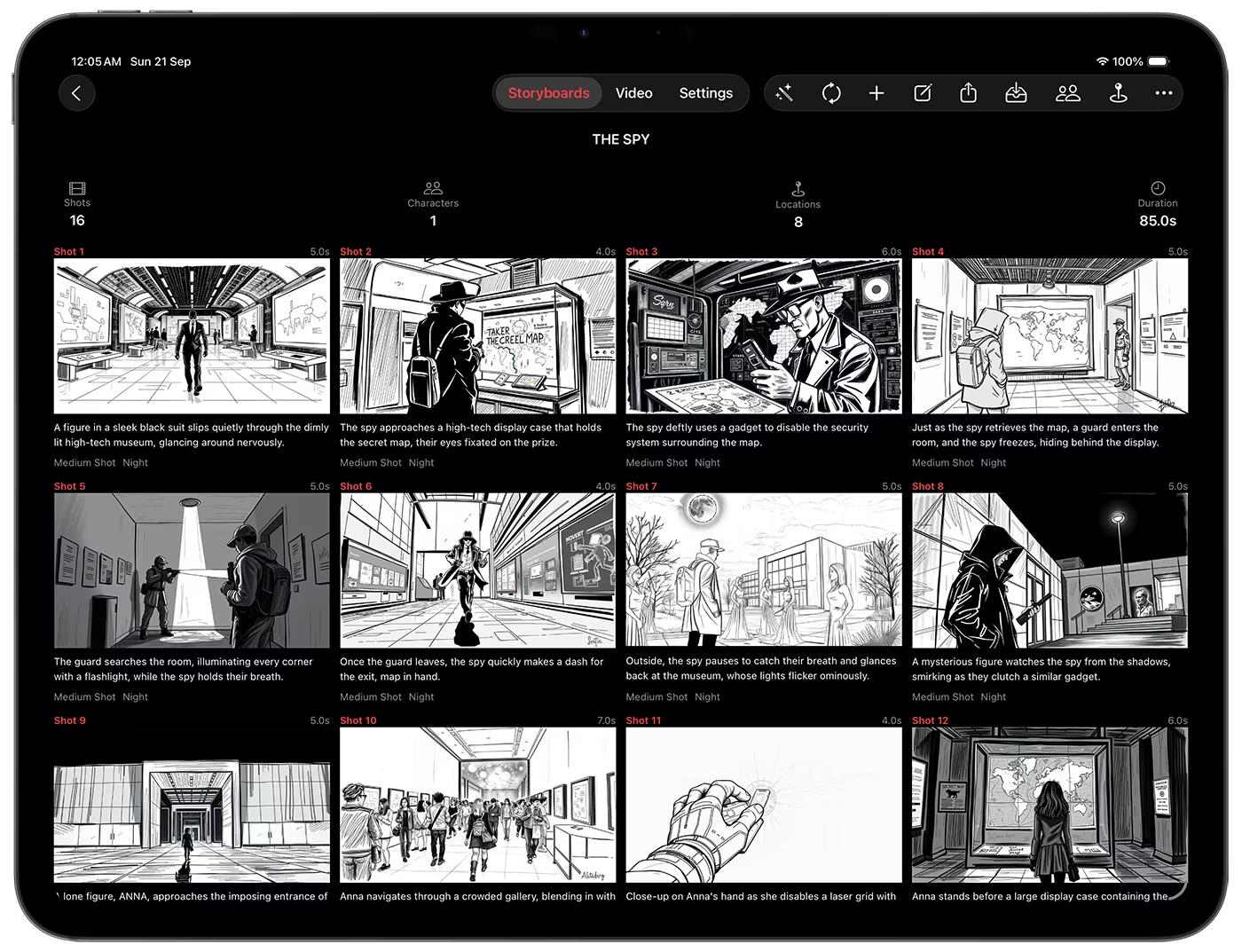
Storyboard Creator AI iOS App for iPad, showing AI generated storyboard in sketch style.
Storyboard Creator AI iOS App for iPhone, showing AI generated storyboard in digital art style.
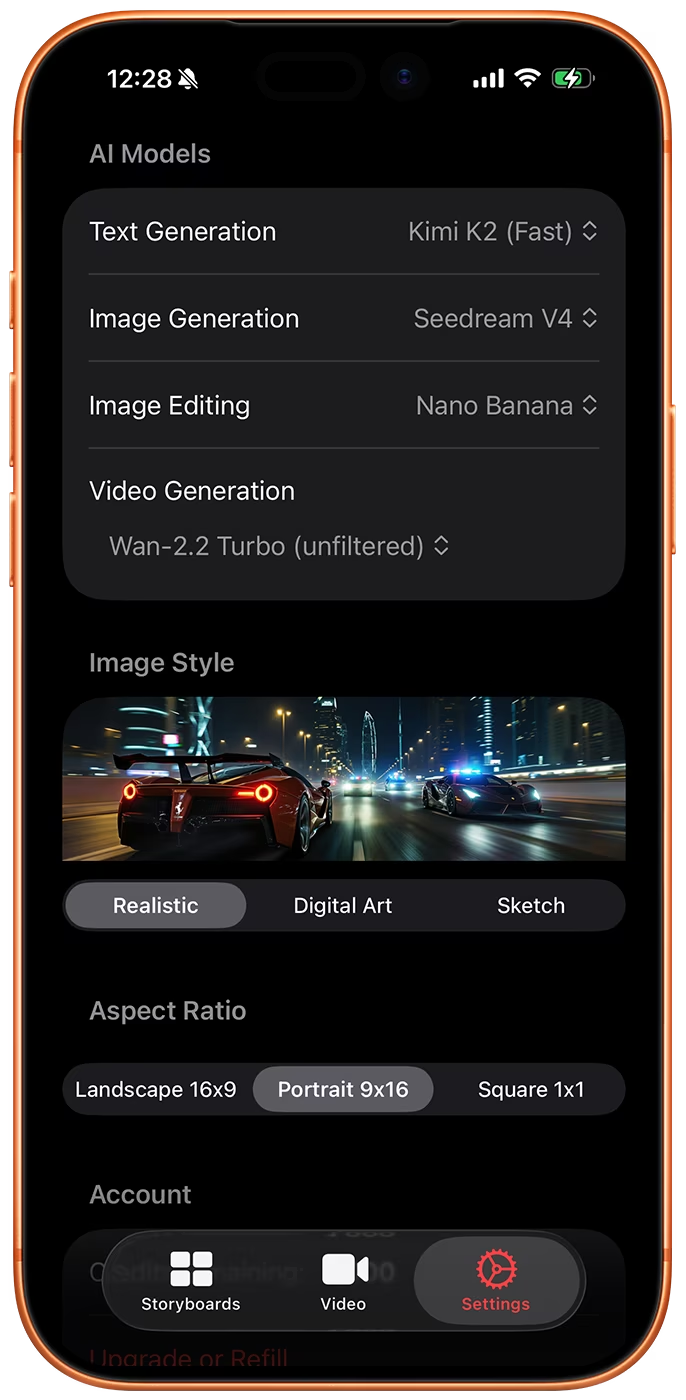
iphone screenshot of storyboard creator ai app for iphone, showing the settings tab, it includes the AI model selection, image style, image aspect ratio, and account management.
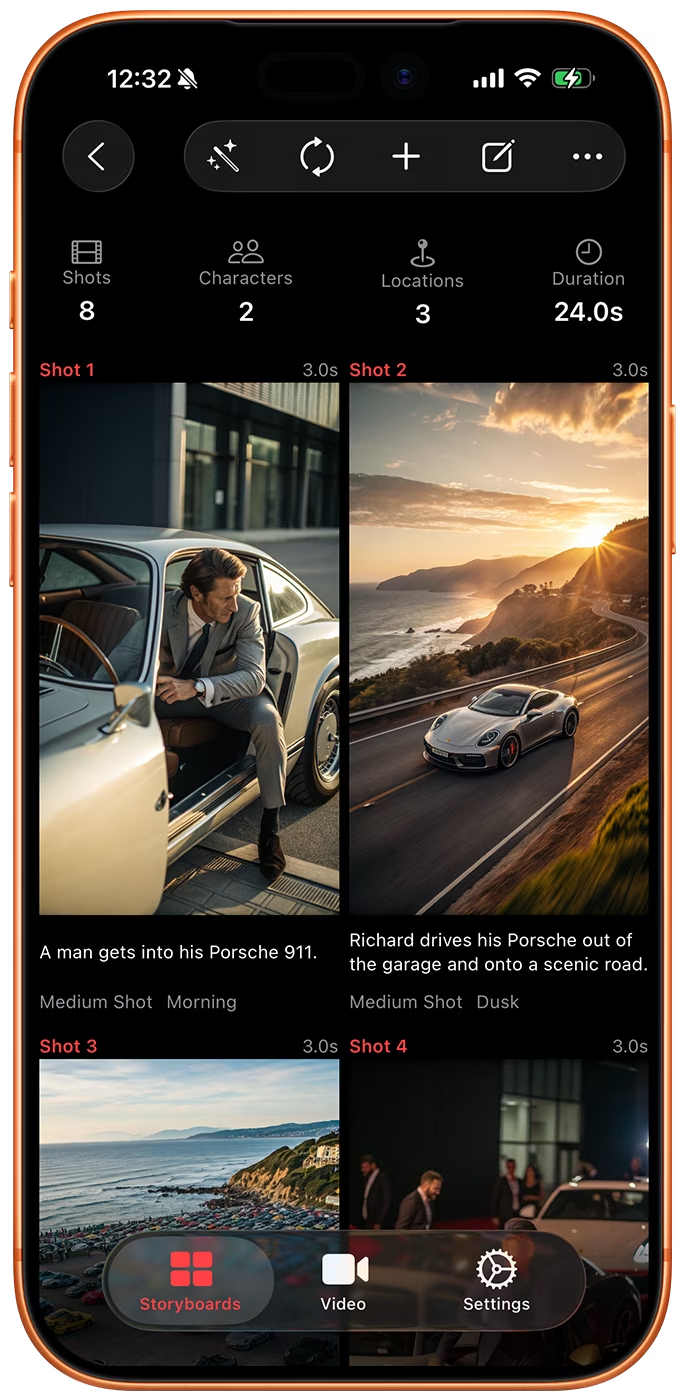
iphone screenshot of storyboard creator ai app for iphone, showing storyboard in vertical aspect ratio.

AI 모델, 화면 비율 및 스타일 선택

Storyboard Creator AI를 사용하면 스토리보드에 사용할 이미지 모델, 비디오 모델, 화면 비율 및 스타일을 선택할 수 있습니다. 모델 목록은 최신 출시 버전에 맞춰 업데이트되므로, 언제나 최신 모델을 활용해 작업할 수 있습니다.

이미지 모델로는 Nano Banana 2.1, GPT Image 2, Z-Image, Flux 2, Wan 2.7, Bria 3.2, Google Imagen 4가 있습니다. 비디오는 Google Omni 1.1 Flash와 MiniMax H3를 통해 생성됩니다.

대량 동영상 생성

전체 스토리보드를 비디오 대기열로 보내거나 사진 보관함에서 이미지를 가져오면, 앱이 각 이미지에 대한 모션 프롬프트를 자동으로 생성합니다. 대기열 등록은 무료이며 기기 내부에서 처리되므로, '비디오(Videos)' 탭에서 '생성(Generate)'을 누르기 전까지는 비용이 청구되지 않습니다.

생성 전 언제든 프롬프트를 수정하고, 단일 클립이나 전체 대기열을 실행한 뒤, 렌더링이 완료되면 푸시 알림을 받아보세요.
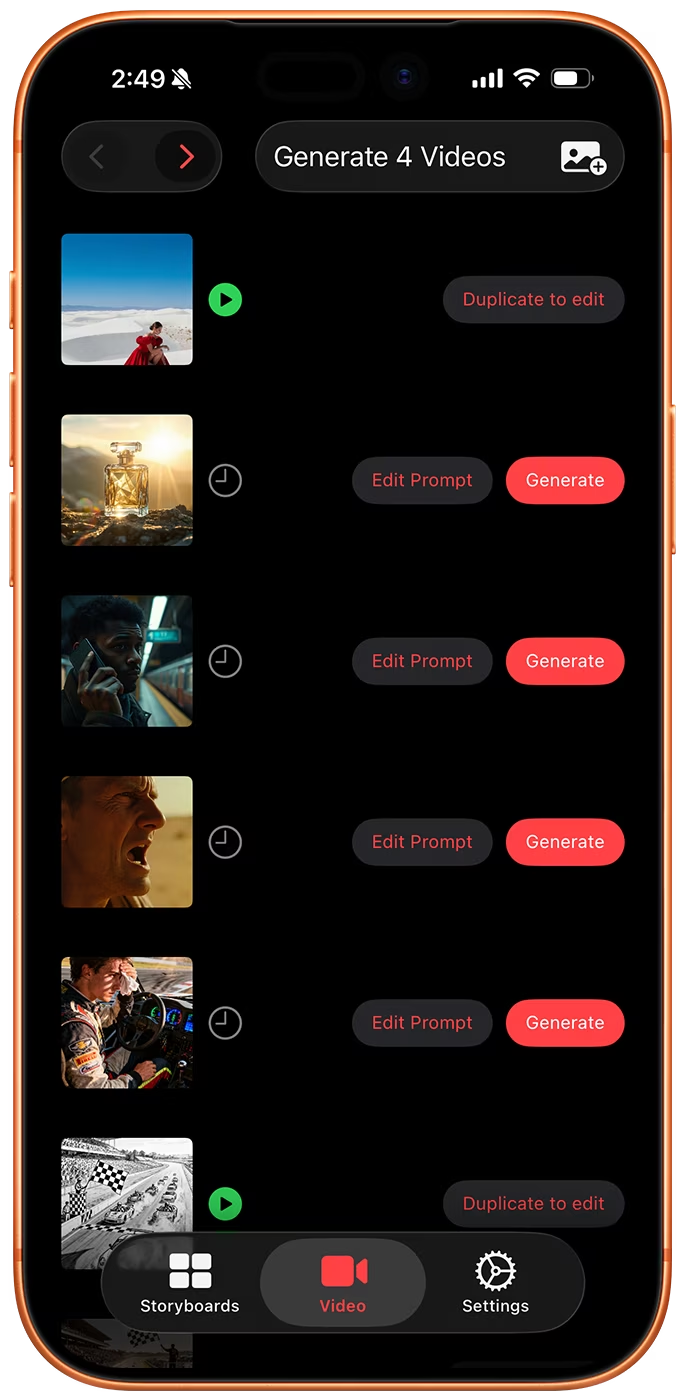
iphone screenshot of storyboard creator ai app for iphone, showing the bulk video generation tab.
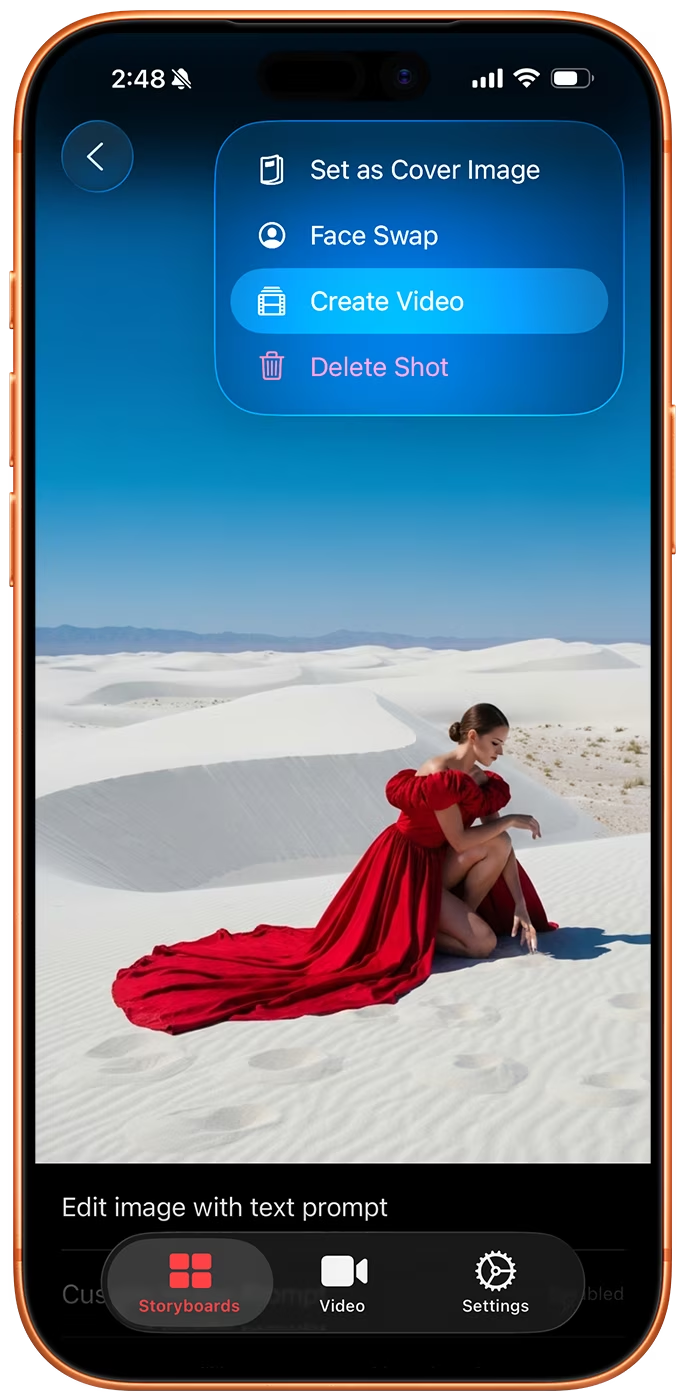
iphone screenshot of storyboard creator ai app for iphone, showing the create video item in toolbar.
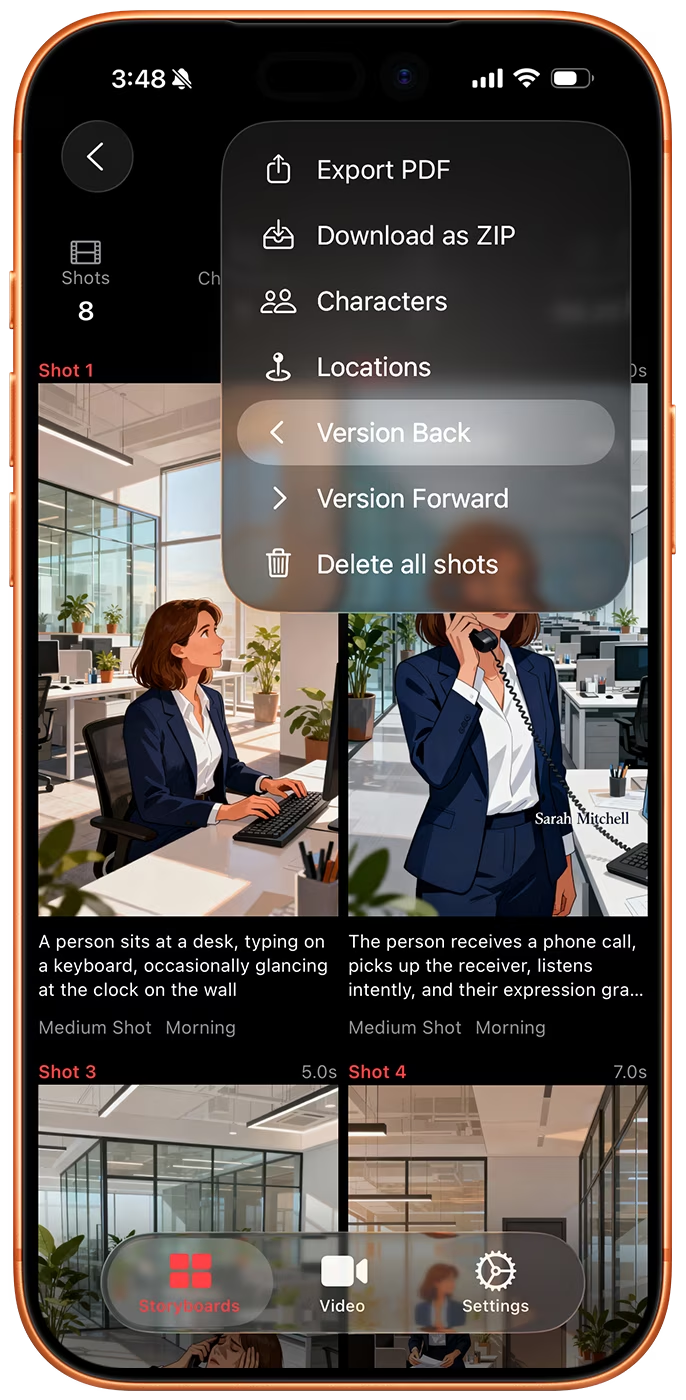
iphone screenshot of storyboard creator ai app for iphone, showing the version back button in storyboard toolbar.
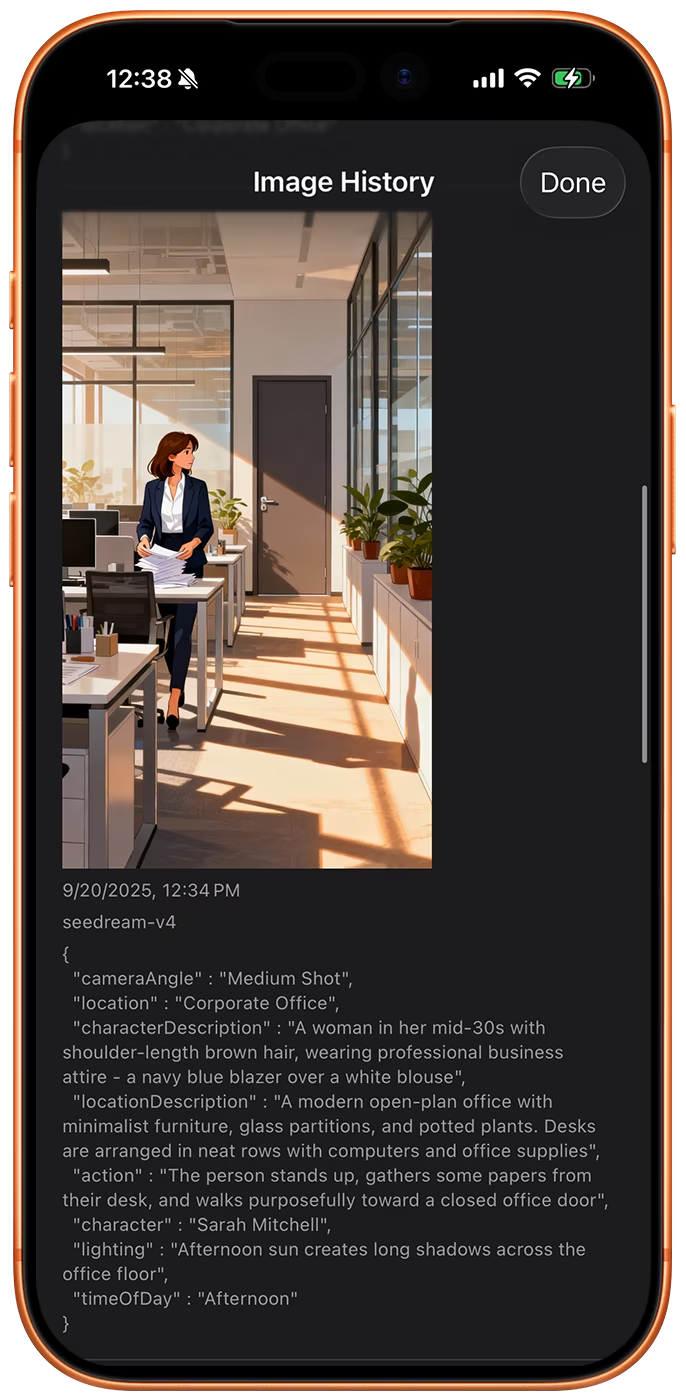
iphone screenshot of storyboard creator ai app for iphone, showing the image history for a shot, it includes the model, json prompt, and image.

버전 기록

생성된 모든 이미지는 해당 이미지를 만들어낸 모델 및 프롬프트와 함께 샷(shot)에 새로운 버전으로 저장됩니다.

버전을 비교하고, 전체 스토리보드를 한 번에 한 버전씩 앞뒤로 이동하며, 이전 프레임 중 하나를 현재 프레임으로 설정할 수 있습니다.