Storyboard
Creator AI
The ultimate tool for directors, artists, and creators.
Turn one sentence into a full storyboard in seconds, with characters, locations and style that stay consistent from shot to shot.

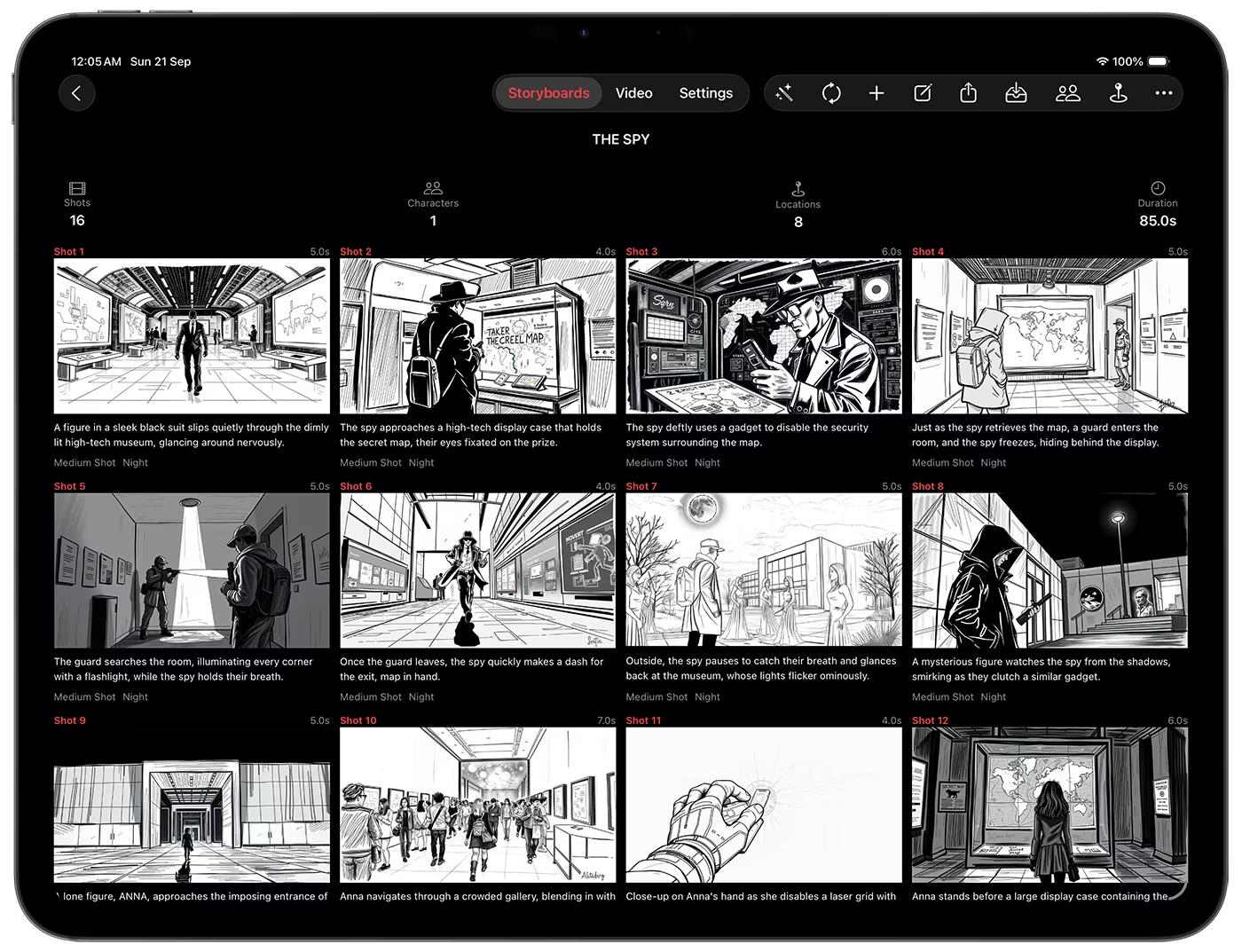
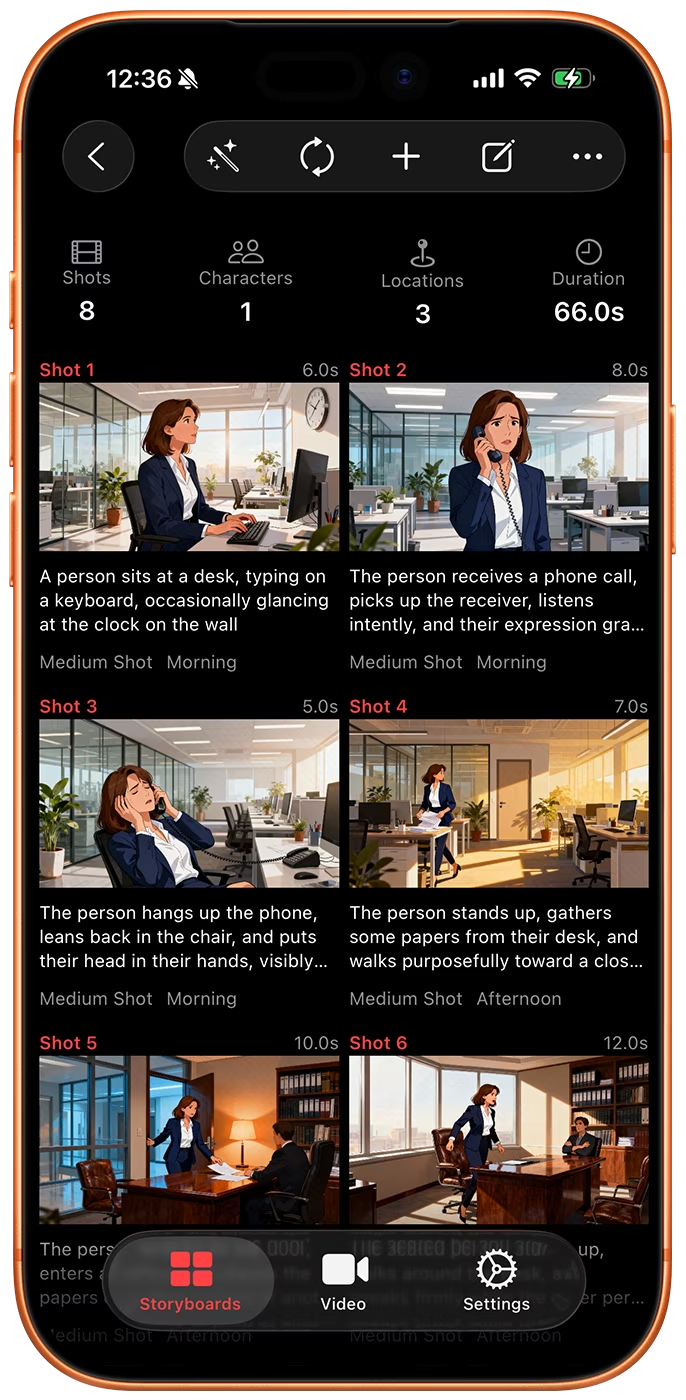
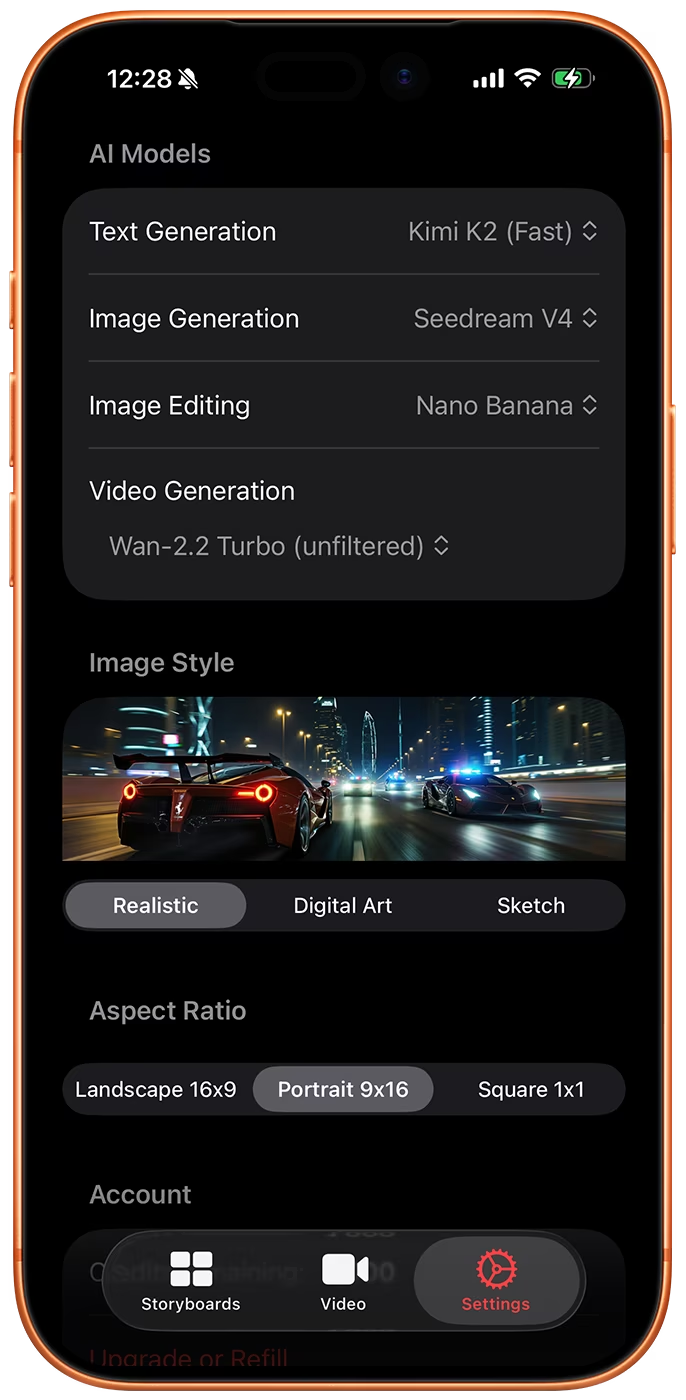
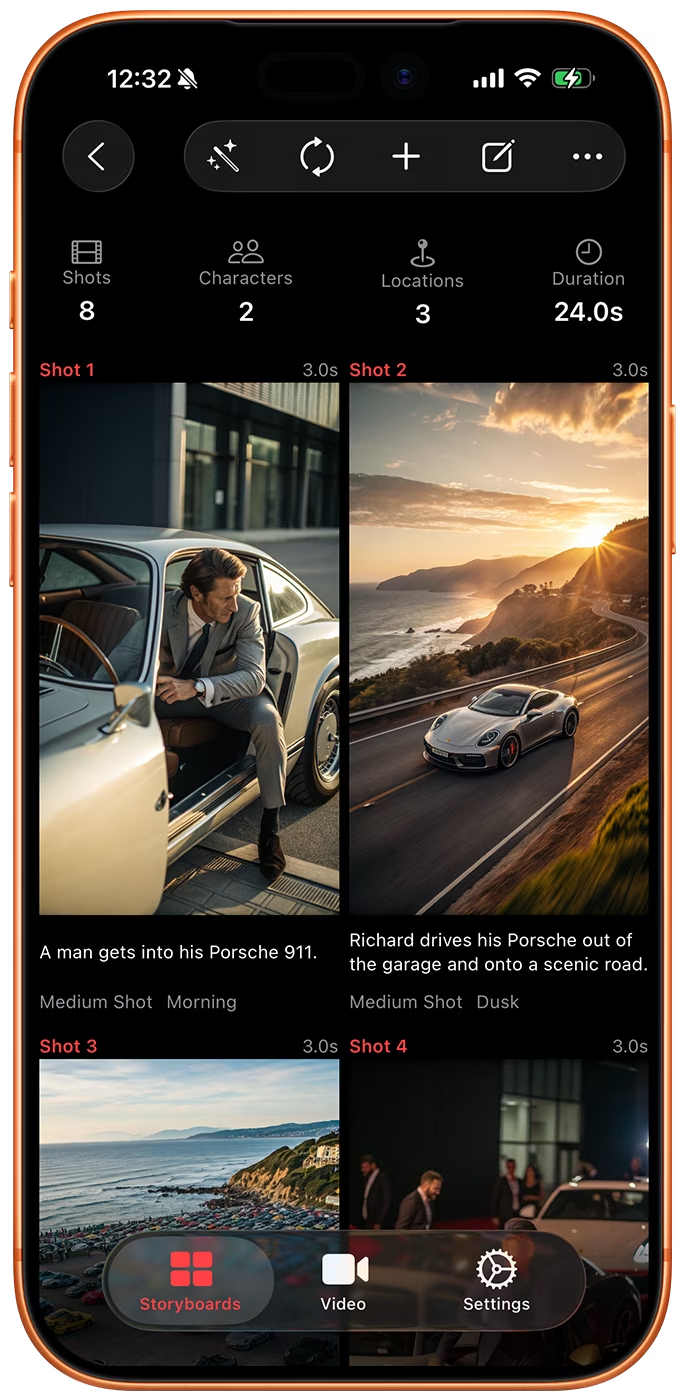
AI Model, Aspect Ratio, & Style Selection
Storyboard Creator AI lets you pick the image model, the video model, the aspect ratio and the style for your storyboard. The model list keeps up with what ships, so you always draw with something current.
Image models include Nano Banana 2, GPT Image 2, Z-Image, Flux 2, Wan 2.7, Bria 3.2 and Google Imagen 4. Video comes from Google Omni 1.1 Flash and MiniMax H3.
Bulk Video Generation
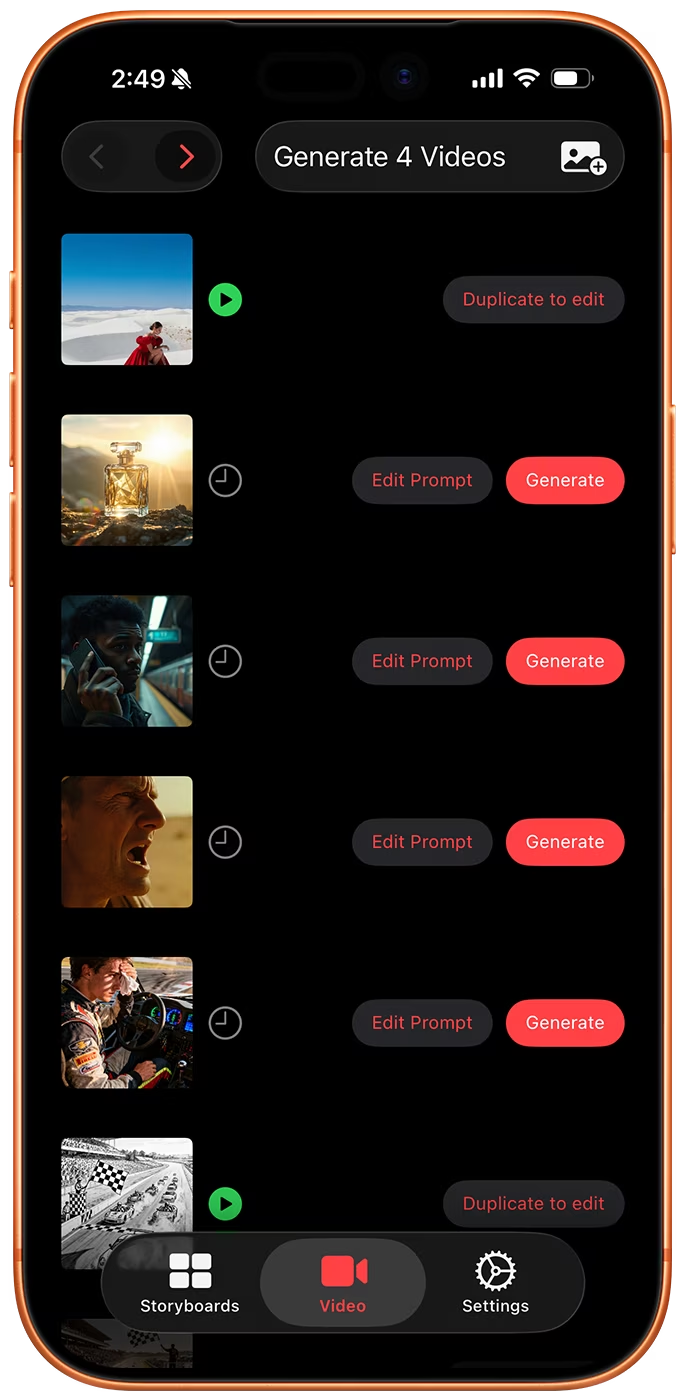
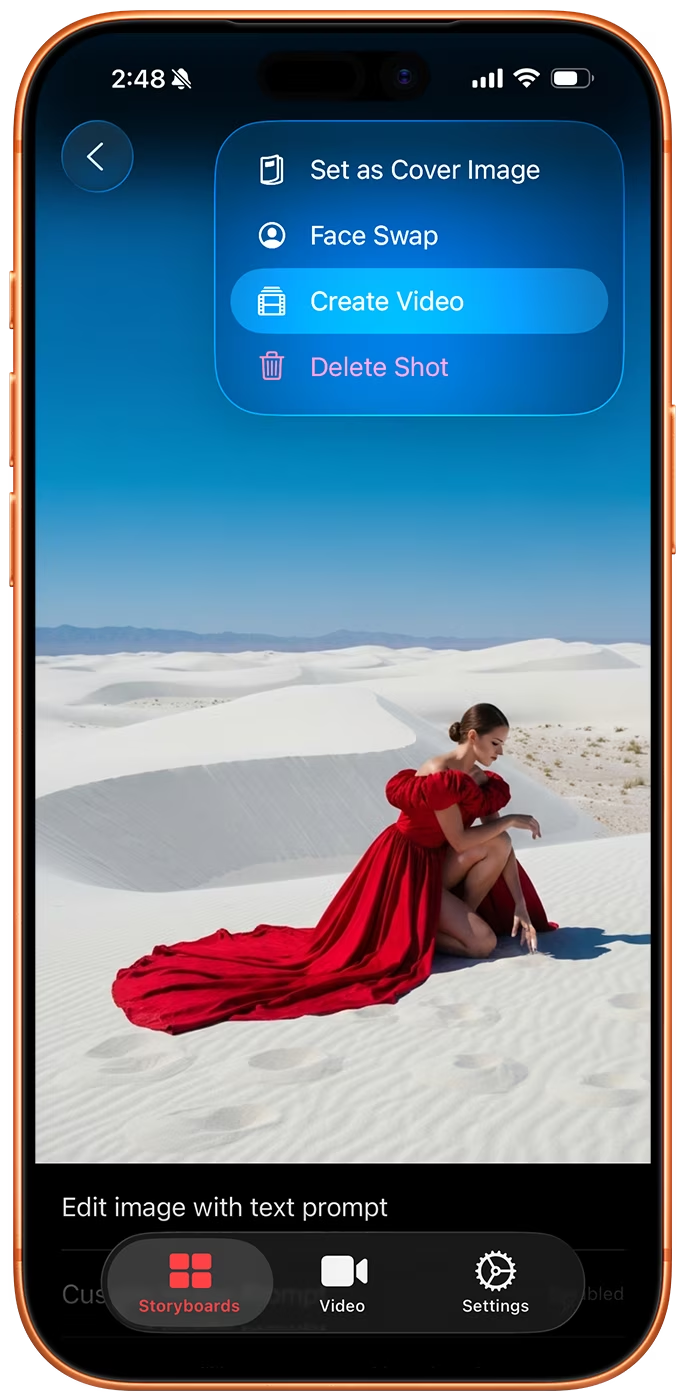
Send a whole storyboard to the video queue, or import images from your photo library, and the app writes a motion prompt for every one of them. Queuing is free and local: nothing is charged until you tap Generate on the Videos tab.
Edit any prompt before you generate, run a single clip or the entire queue, and get a push notification when the renders are ready.
Version History
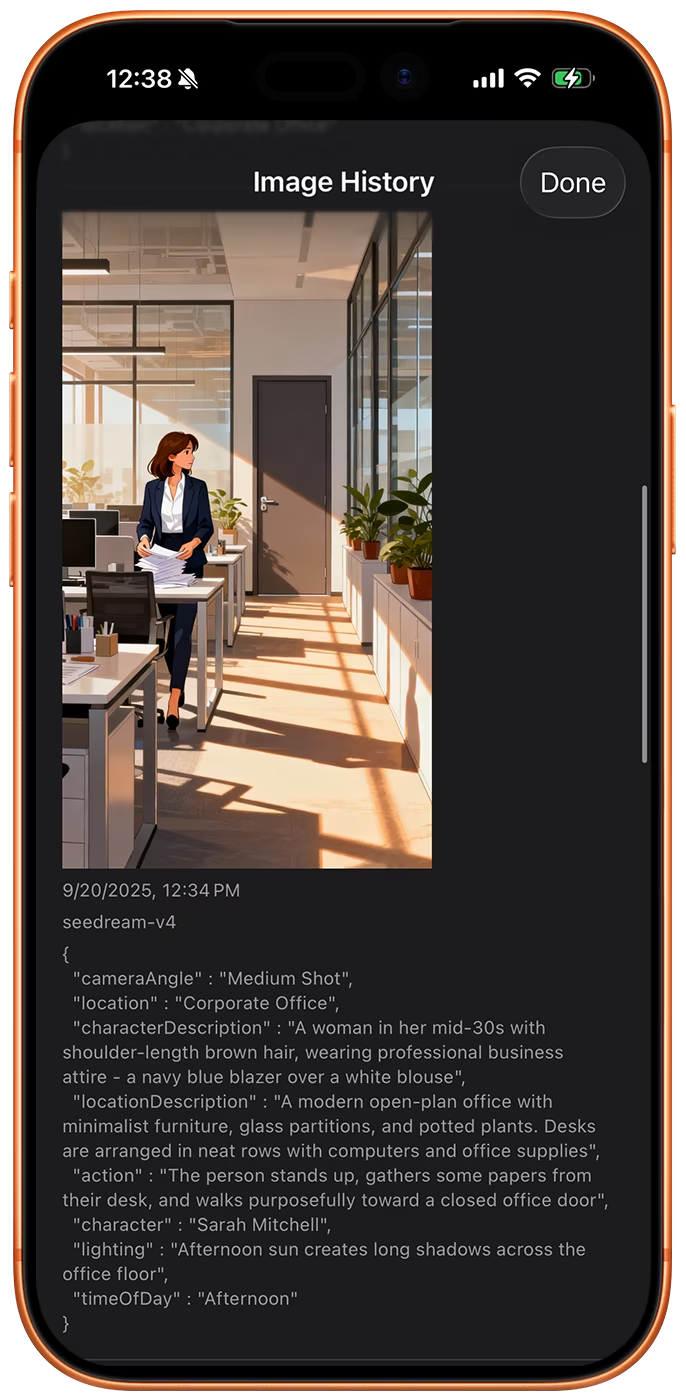
Every image you generate is kept as a new version on the shot, together with the model and the prompt that produced it.
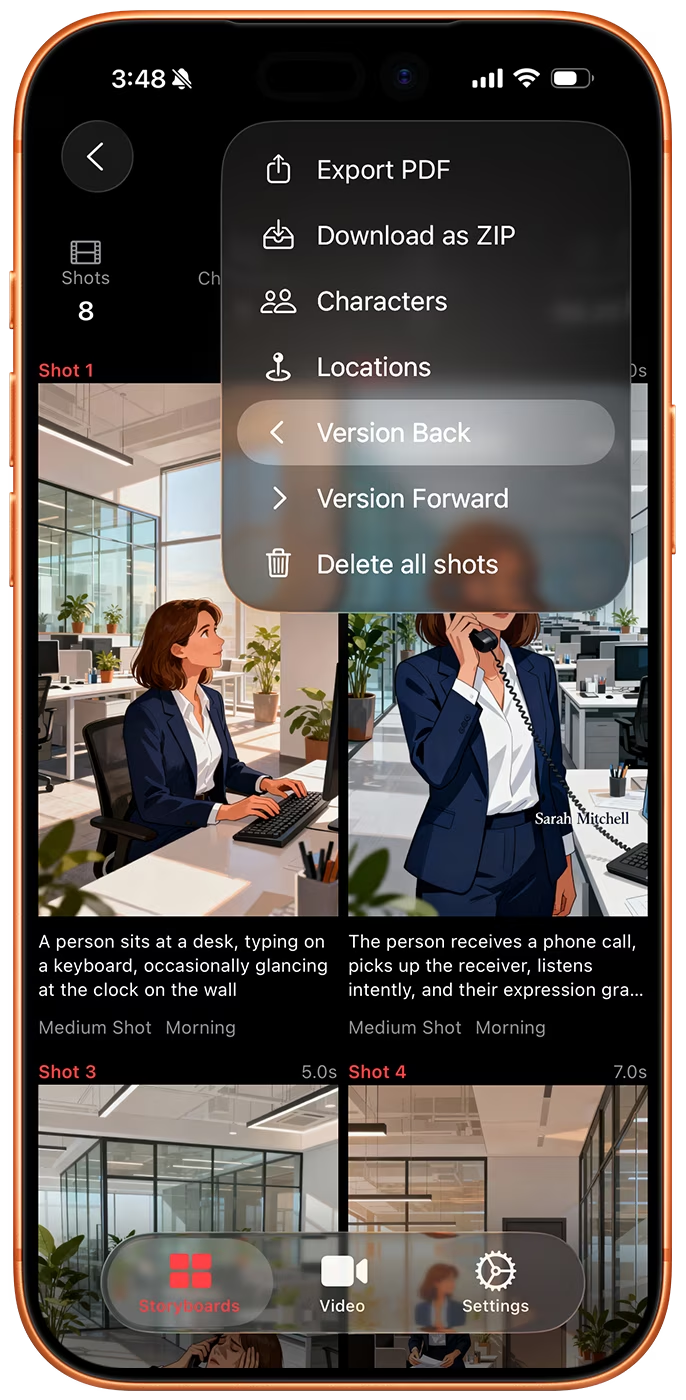
Compare versions, step the whole storyboard back or forward one version at a time, and set any earlier frame as the current one.