Storyboard App for iPad
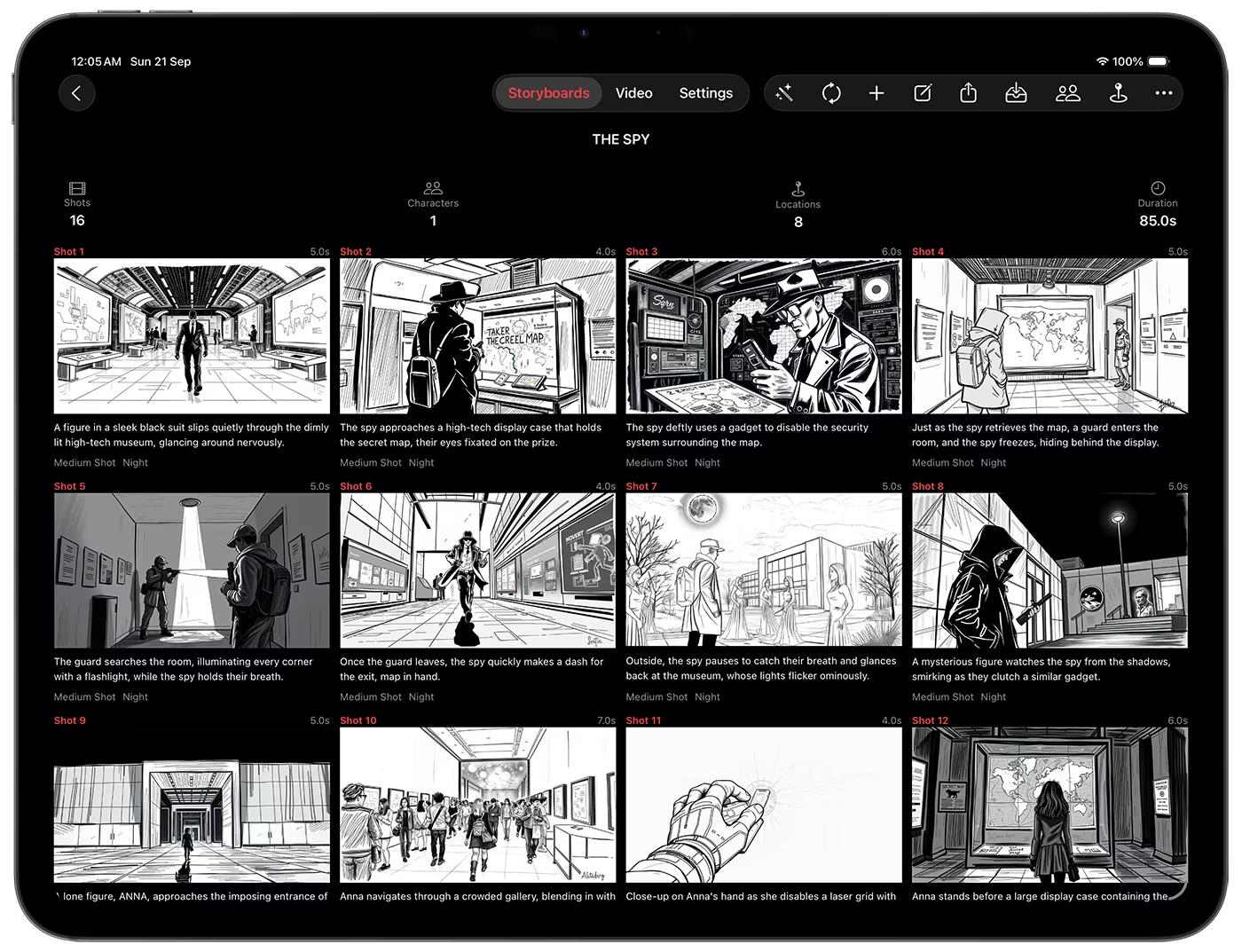
Storyboard Creator AI is a powerful, touch-first storyboard app purpose-built for iPad. Generate complete scenes from a single text prompt, iterate with precise controls, and export professional results for your film, TV, YouTube, and commercial projects. With current model selection for text, image, and video, it brings a studio-grade workflow to your iPad.
Built for iPad workflows
Four simple tabs for everything you do:
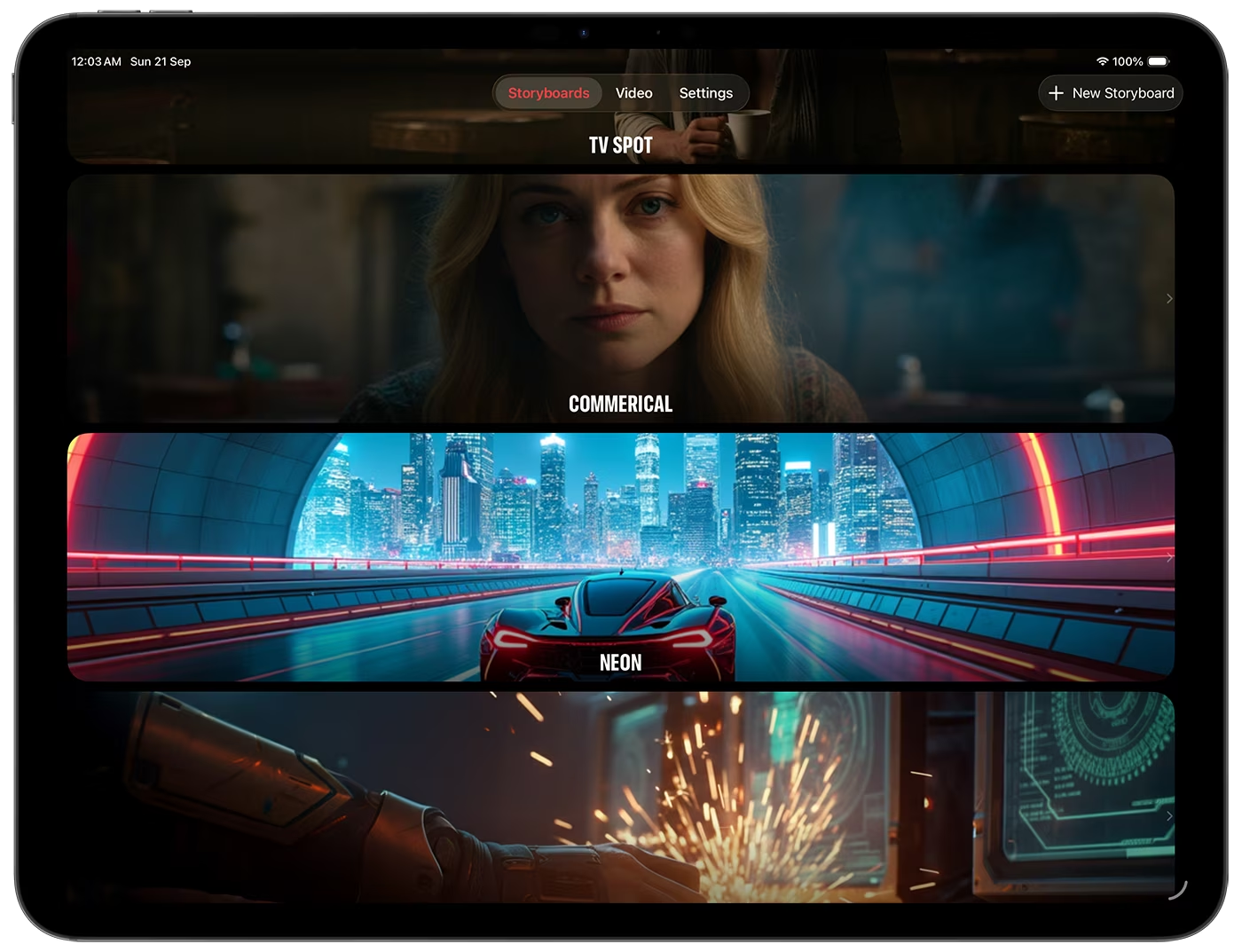
- Storyboards: browse all projects and tap New Storyboard to start fast.
- Videos: queue clips, edit their motion prompts, and review everything you have rendered.
- References: your library of character, location, and style images.
- Settings: pick default image and video models, tune image style and aspect ratio, and manage your subscription and credits.
Model flexibility out of the box:
- Image: Nano Banana 2, Nano Banana 2 Lite, GPT Image 2, GPT Image 2 LQ, Z-Image, Flux 2, Wan 2.7, Wan 2.7 Pro, Bria 3.2, Google Imagen 4 / 4 Fast / 4 Ultra (note: the Google Imagen 4 family does not support sketch or digital art styles).
- Video: Google Omni 1.1 Flash and MiniMax H3.
Generate complete storyboards from a text prompt
- Create a project in the Storyboards tab.
- Tap Generate from Text.
- Fill the prompt form:
- Text prompt describing the story or scene. One sentence is enough to start.
- Prompt Tools to write a prompt from your references, update it so it names them, or refine it into something more visual.
- Image model for this generation.
- Number of shots, from 8 up to 40.
- Follow-up questions, on when you want the AI to ask up to three quick questions before it generates.
- Skip Image Generation if you only want the written shot details first.
- Tap Generate to create structured shots: action, characters, locations, time of day, camera angles, lighting, and dialogue.
- Iterate any time. Run it again to append more shots or refine scenes.
Keep characters and locations consistent
- Add references from your photo library, generate them with AI from a description, or pick them from the curated library in the app.
- Attach them to a storyboard and they are sent with every image prompt, so faces and places stay the same from shot to shot.
- Assign a location to each shot so the frame is set where it belongs.
- Reference images work with Nano Banana 2, Nano Banana 2 Lite, GPT Image 2, and GPT Image 2 LQ.
Precision editing on every shot
- Edit all details: action, characters, location, lighting, camera angle, dialogue, notes.
- Custom image prompt per shot: turn it on to write your own prompt, or off to build it from the structured shot details.
- Edit image by text: describe the change in plain words and get a new version.
- Change camera angle: horizontal angle, vertical angle, and zoom sliders re-shoot the current frame.
- Image history: view every version with the model and prompt that made it, tap to set as primary, long-press to delete.
- Main image menu: long-press to save to Photos or copy to the clipboard.
- Face swap: pick a photo from your library and swap it into the current image.
- Create video from shot: add the image to the video queue; the app drafts a motion prompt for you to review.
- Regenerate all, or step versions: redraw every shot at once, then step the whole storyboard back or forward a version at a time to compare passes.
Video generation, single or bulk
- From shots, one at a time or with Send All to Video, or from imported images in the Videos tab.
- The app drafts a motion prompt for each queued item.
- Queuing is free. Nothing is charged until you tap Generate.
- Edit the prompt, then generate a single clip or run the whole queue.
- Background processing lets you close the app while videos render.
- Push notifications tell you when a clip is ready.
Styles, aspect ratios, and consistency
- Image style: realistic, digital art, or sketch.
- Aspect ratio: 16:9, 9:16, or 1:1.
- Consistency: character, location, and style references keep the look aligned across shots.
Export and share your storyboard
- Export PDF: a laid-out storyboard with a live preview. Choose the cover page, portrait or landscape, shots per page, font size, image frames, and which fields appear.
- Export Screenplay: a screenplay-formatted PDF with scene headings, action, and dialogue.
- Export ZIP: every image and video at full resolution, your references, a CSV of every structured field, and a JSON manifest of the project.
Why creators love it on iPad
- Fast from idea to frames: prompt to shot list to images in minutes.
- Granular control: edit every shot detail, with version history at your fingertips.
- End-to-end pipeline: generate images and videos, then export as PDF, screenplay, or ZIP.
- Mobile-ready production: background video generation with notifications keeps you moving.
If you are looking for the most capable storyboard app for iPad, Storyboard Creator AI combines intuitive design with advanced AI so you can plan, pitch, and produce with confidence, anywhere.
Download Storyboard Creator AI
Get the iOS & macOS app on the App Store: Download Storyboard Creator AI