AI Tools for Storyboard What to Look For
With the rise of AI in creative workflows, many tools claim to help you generate storyboards. But what should you look for when choosing the right one?
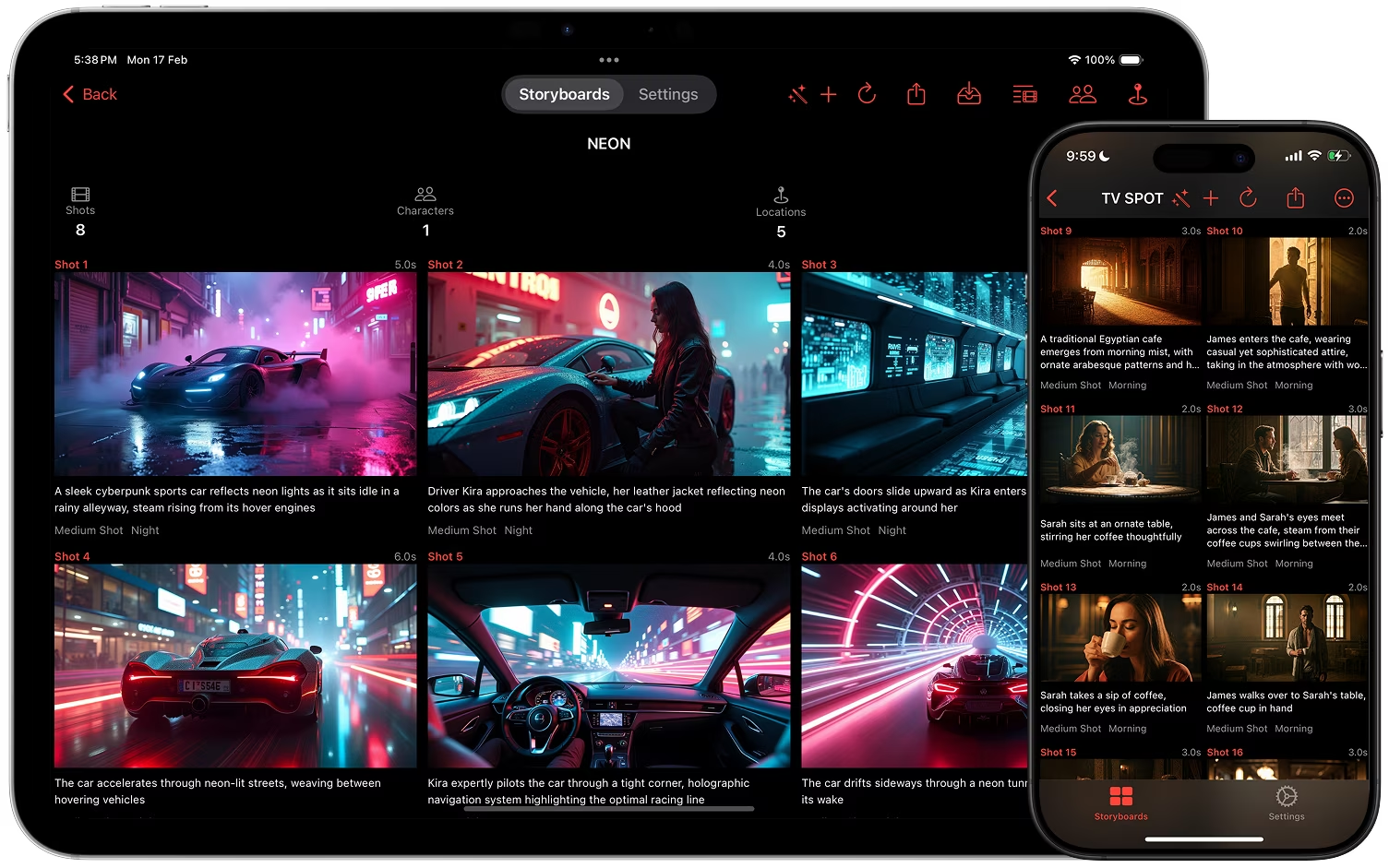
Key Features
- Prompt-to-shot generation: fast ideas from text.
- Model flexibility: choose the image and video models per project.
- Character consistency: reference images that keep faces and places the same across shots.
- Metadata richness: camera angles, time of day, lighting details.
- Editing power: refine both images and shot descriptions.
- Export formats: PDF, screenplay PDF, CSV, and full-resolution images for easy collaboration.
Storyboard Creator AI's Approach
This tool combines:
- AI text and image generation. Images come from Nano Banana 2, GPT Image 2, Z-Image, Flux 2, Wan 2.7, Bria 3.2, or the Google Imagen 4 family.
- Realistic, digital art, and sketch styles. Note: the Google Imagen 4 family does not support sketch or digital art styles.
- Character, location, and style references for consistency, supported by Nano Banana 2, Nano Banana 2 Lite, GPT Image 2, and GPT Image 2 LQ.
- Image version history and shot editing for fine control, including camera angle changes and text-prompt edits.
- Export for professional workflows: laid-out PDF, screenplay PDF, or a ZIP archive of every asset.
If you are comparing AI tools for storyboard creation, look for flexibility in models, consistency across shots, and ease of iteration. Those are the three factors that save the most time.
Download Storyboard Creator AI
Get the iOS & macOS app on the App Store: Download Storyboard Creator AI